
What API keys authorize
API keys are required for:- Uploading metrics from endpoints to your project
- Sending network diagnostics reports from endpoints to your project
- Connecting to your project’s dedicated relays, which require authentication by default
- Connecting through the public relays
- NAT traversal connections to other iroh endpoints
Get an API key
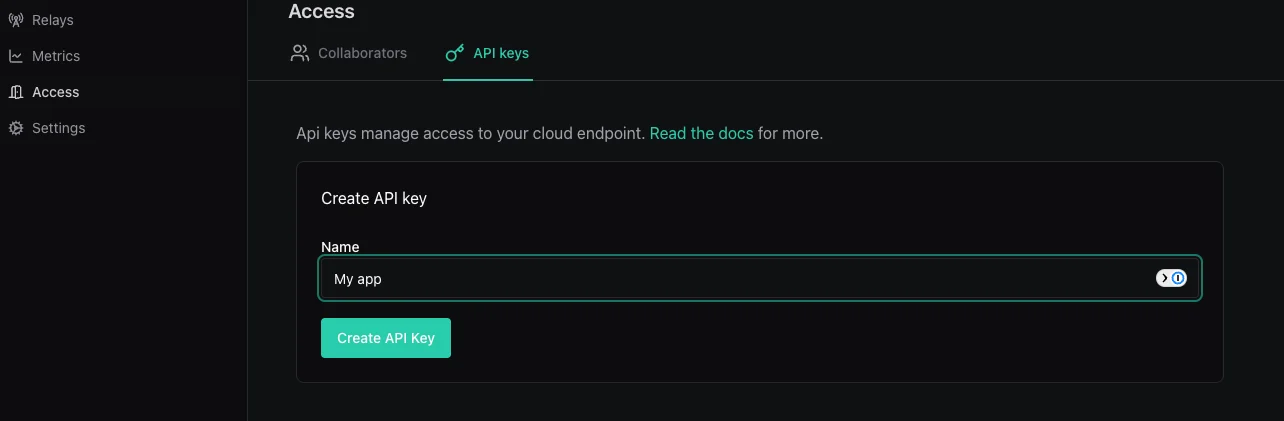
After signing in, create a new project. This is your sandbox for all endpoints, the control center where you manage relays, metrics, and networks. Then navigate to your project’s Settings → API Keys tab and click Create API Key. The key is shown once on creation, so copy it somewhere safe.

IROH_SERVICES_API_SECRET (named for legacy reasons; same thing as your API key).
Use it in your app
Pass the key when building youriroh_services::Client: